To access your tickets, please scan the following QR code:
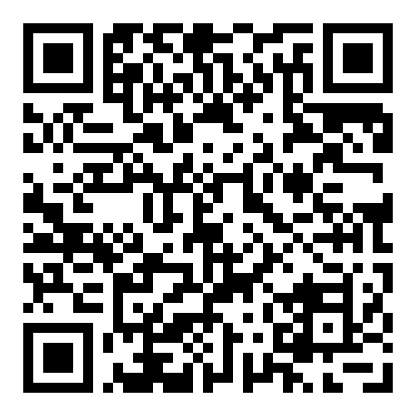
Alternatively, if you are not able to scan the QR code above, you can click or tap here.
Note: You will also find the same QR code and link as above in your confirmation email of your purchased tickets.
Next, tap on the “Log In” button.
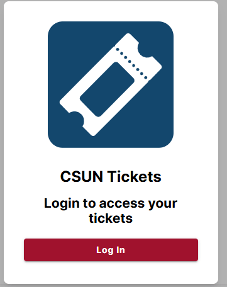
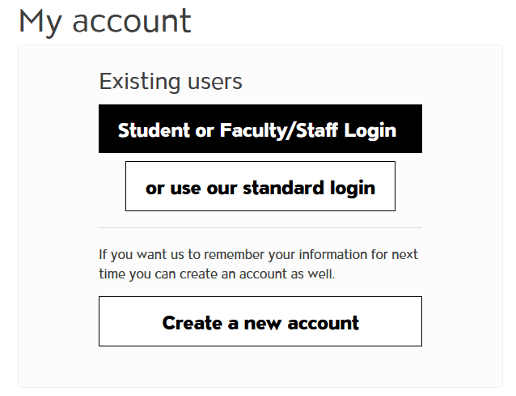
You may then be prompted to log in using the same login info you used to purchase tickets. If you have recently logged in on the same device, then the system may skip this process for you.
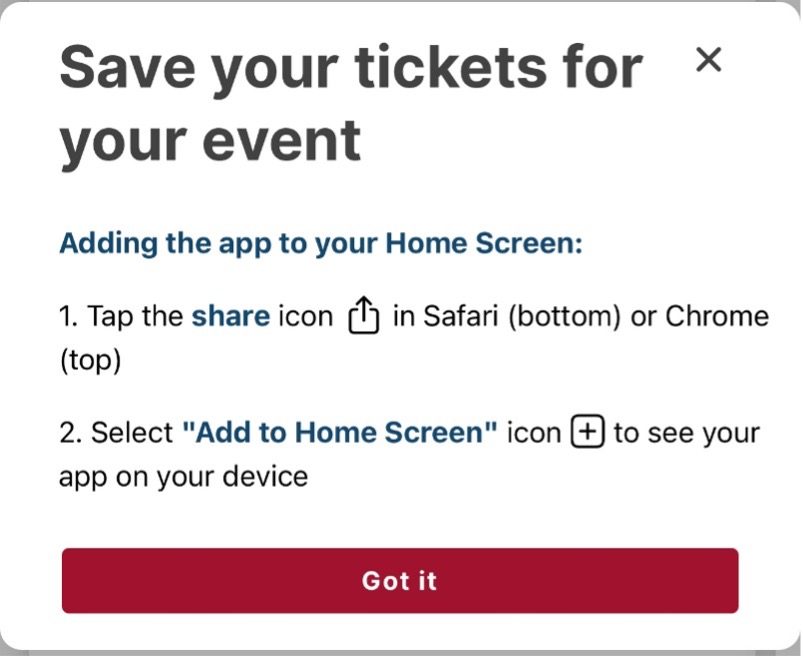
Once you have successfully logged in, you will be shown instructions to save the web-app to your phone’s home screen. We recommend adding the app to your home screen for quicker access to your tickets.
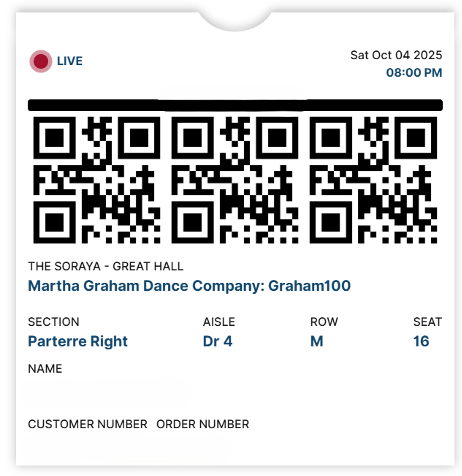
The tickets for your next performance appear. If you have multiple tickets for the performance, you will need to swipe left to view the other tickets and then swipe right to go back to the previous tickets. (Note: Although you will see 3 QR codes, each of these QR codes are the same and are linked to the same ticket. You will not need to scan each QR code.)
If you would like to view other tickets for future performances, you may tap on the “Upcoming Event” menu at the top and select “Future”.